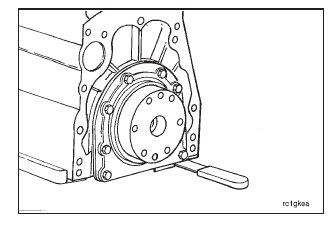
Use a clean cloth to clean the crankshaft flange.
NOTE: Do not use lubricant to install the seal. The oil seal must be installed with the lip of the seal and the crankshaft clean and dry to provide a correct oil sealing surface and to provide maximum engine life.
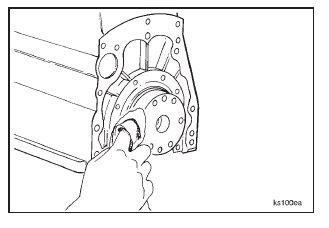
Install a new gasket on the cylinder block.
Install the rear cover and the eight capscrews and washers. Tighten the capscrews just enough to hold the rear cover in position.

Remove the pins from the crankshaft oil seal driver, Part No. ST-997; and use the driver to align the rear cover with the crankshaft.
Install the seal drive in the crankshaft flange and in the bore of the rear cover.
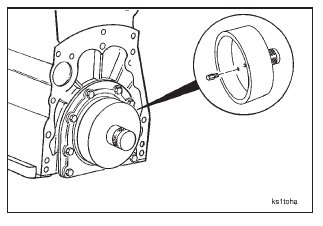
Tighten the rear cover mounting capscrews.
Torque Value: 47 N•m [35 ft-lb]
Remove the crankshaft oil seal driver, Part No. ST-997.
Use a gauge block, Part No. 3823495, to make sure the rear cover is within 0.10 mm [0.004-inch] of being parallel with the oil pan flange of the cylinder block.
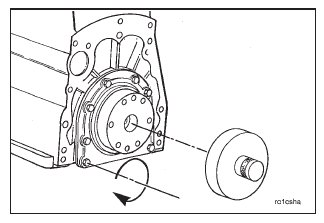
Trim the excess gasket material from the ends of the rear cover gasket so the gasket is even or does not extend more than 0.25 mm [0.010-inch] beyond the pan flange.